Download the Daughters Online Community App
Use the buttons below or search for 'Daughters Online Community' in the App Store or Google Play.


Getting Started on the DOC App
Note: If this is your first time entering the DOC Community, you will need to log-in through the DOC Website. Check out the DOC Quick Start Guide for instructions.
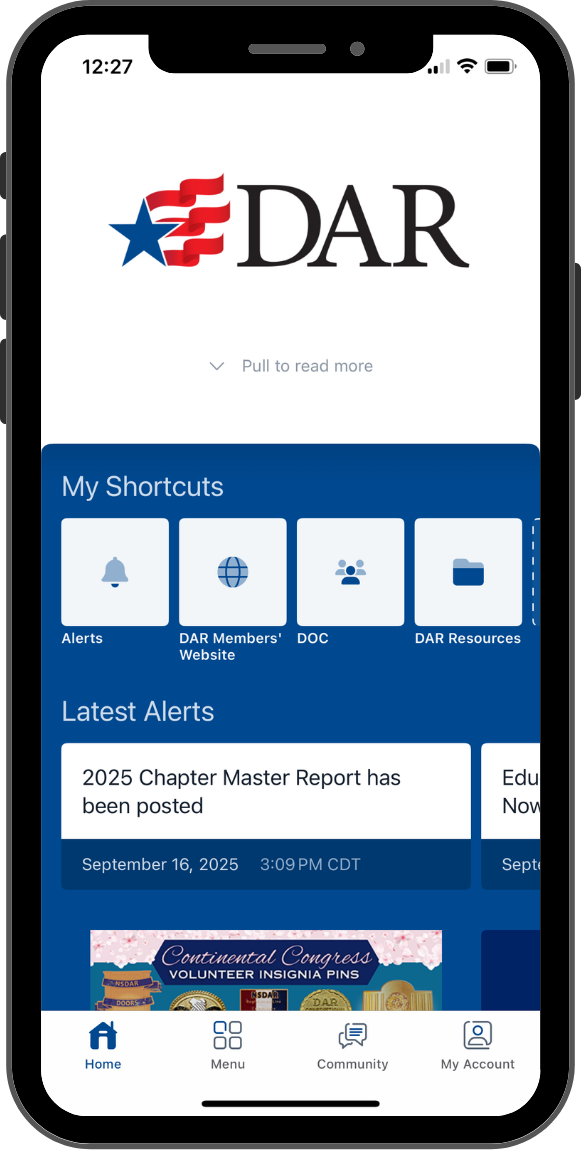
- Once you have downloaded and opened the app, you will see the DOC App Home Page. Here you will find Shortcuts, Alerts and Promotions.
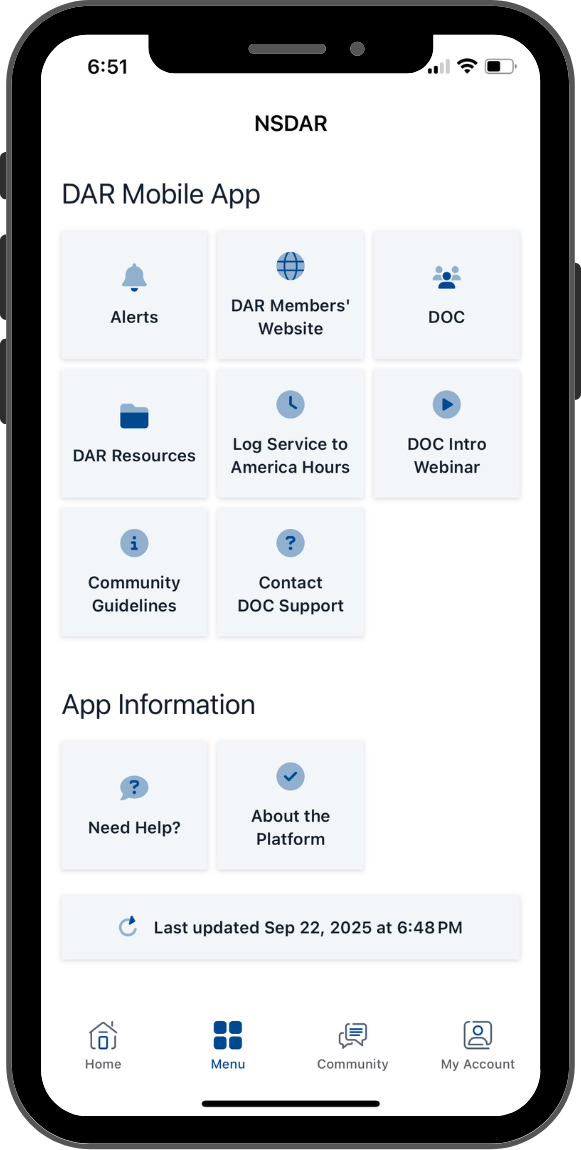
- Click on Menu at the bottom of the page to find additional DAR resources and DOC Help Central.
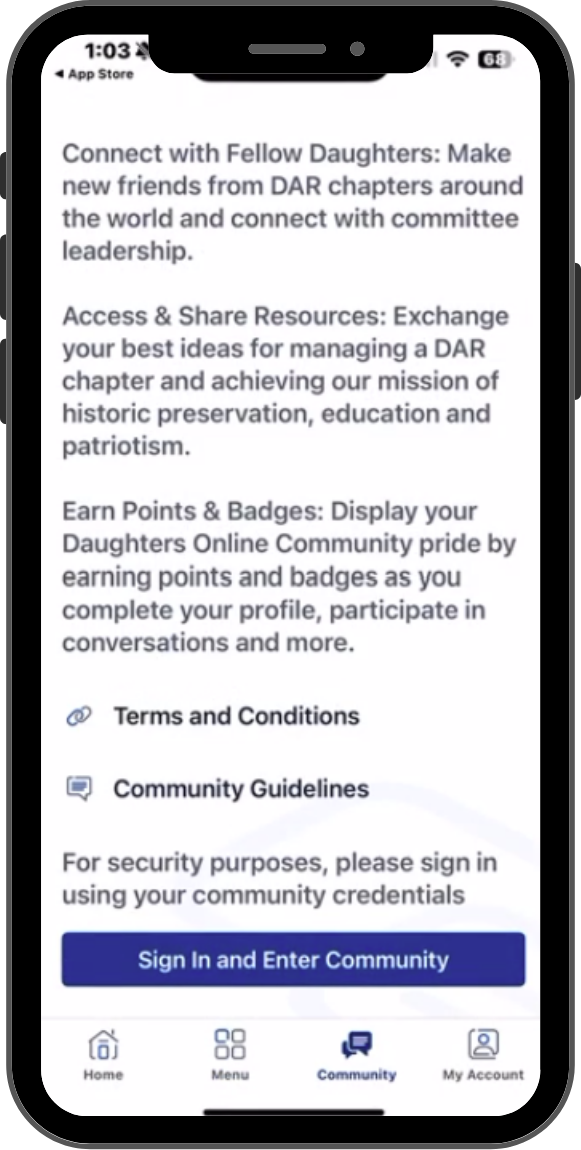
- To access the Daughters Online Community, click on Community at the bottom. Then select Sign In and Enter.
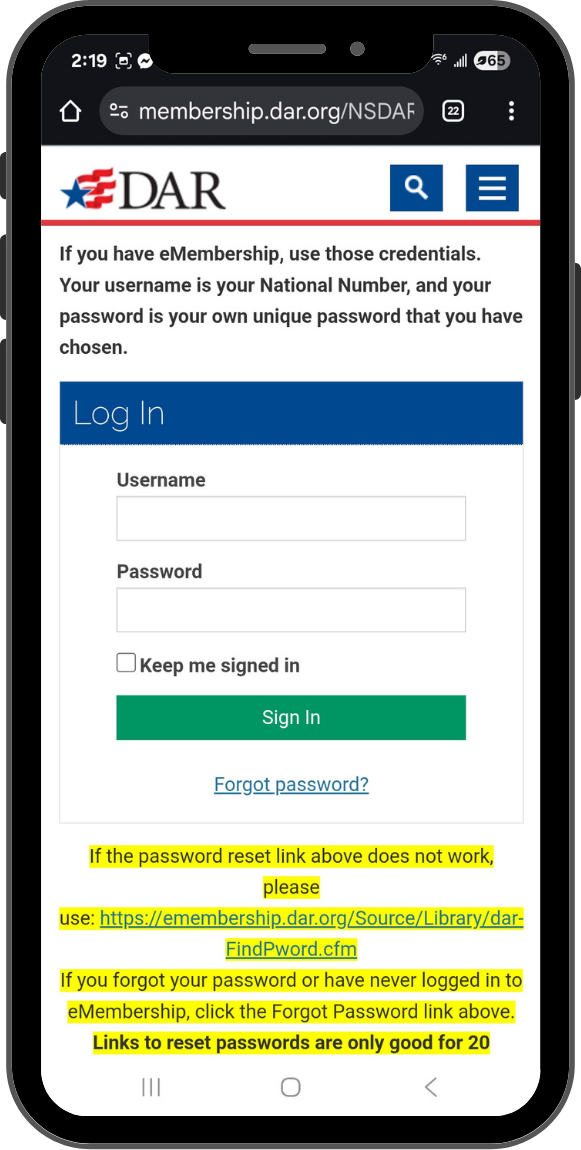
- This will bring you to the log-in page, where you will enter your National Number as your Username and your eMembership password. NOTE: If you have never logged into eMembership or forgotten your password, click the Forgot Password link.
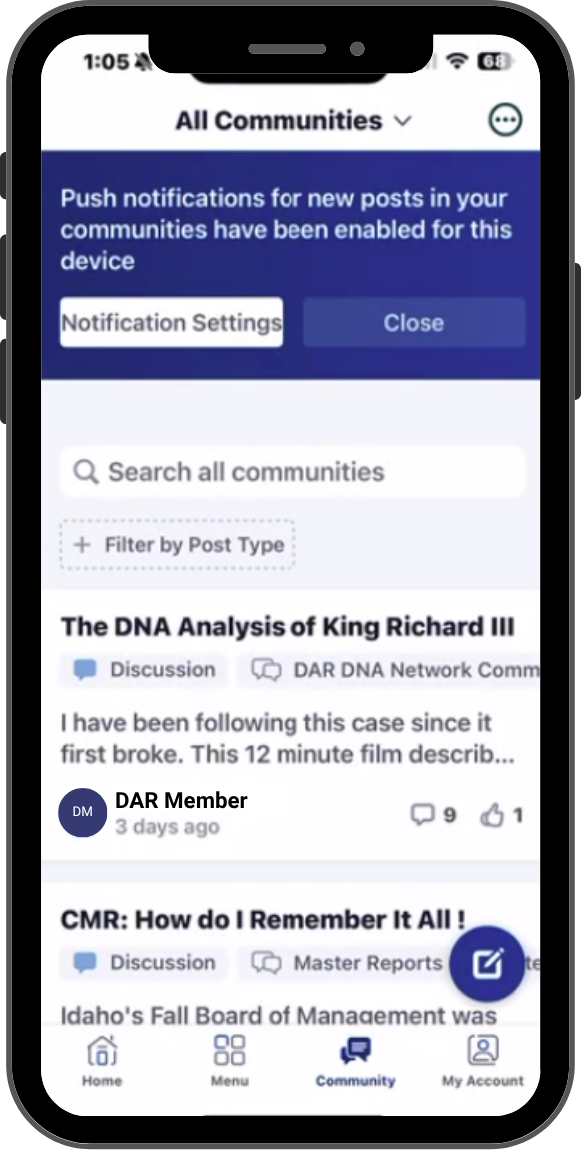
- You can now see the Daughters Online Community Feed. During this initial log-in, there is an Edit Notifications button on this screen. After the initial log-in, you will find it by clicking the circle with three dots in the top-right corner.
Need Assistance?